Anime Speed TRACE Combat Deep Dive
Freeze time, walk the path, and land planned hits when the world resumes.
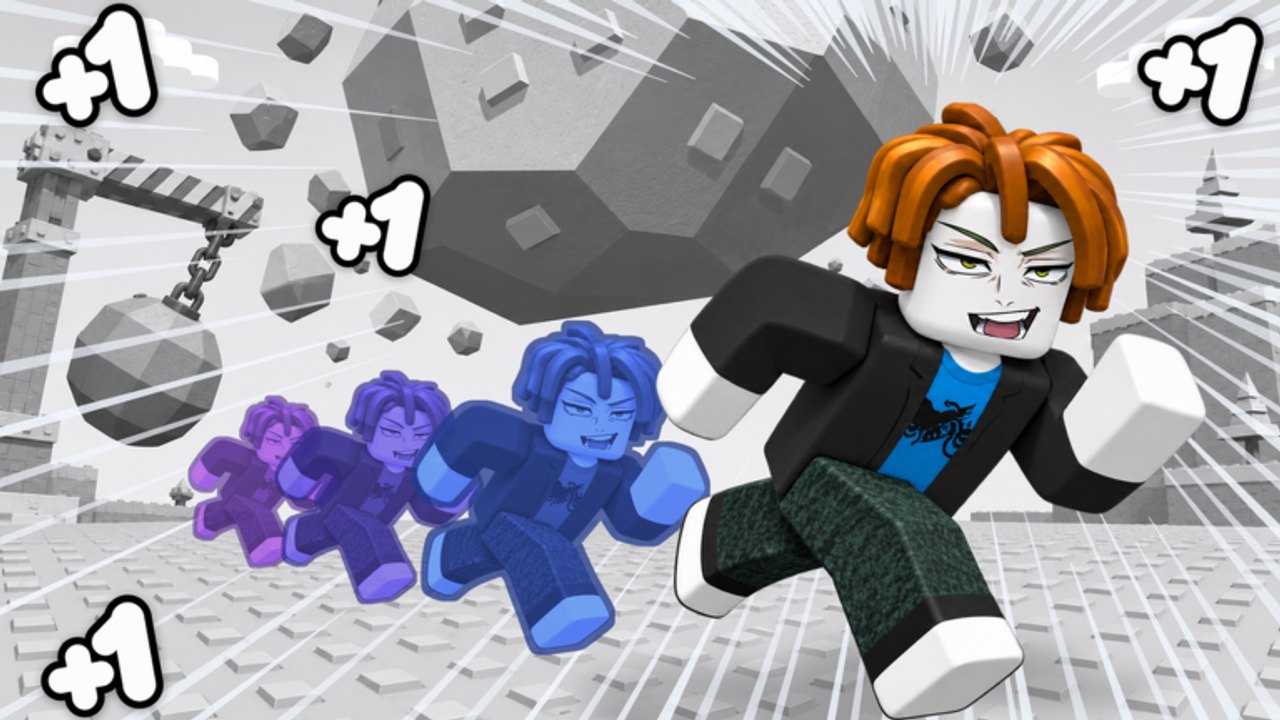
What TRACE combat actually is
In +1 Anime Speed, Q / TRACE stops time so you can walk a route and line up hits on frozen enemies. Damage and positioning resolve when time resumes. That is the entire fantasy: velocity builds on treadmills, then TRACE spends velocity with intention instead of panic mashing.
This page goes deeper than the input table on Controls. You will practice one-enemy, multi-enemy, and exit-lane drills; learn when not to freeze; and adjust for high-Speed overshoot on PC and mobile. Confirm you are on place 73633929910601 so drills match this experience’s TRACE, not another simulator’s unrelated skill.
The freeze → path → hits loop
- Enter a combat situation with enough Speed to reach targets.
- Press Q or the on-screen TRACE control to freeze.
- While frozen, walk a deliberate path — approach angles, not random scribble.
- Stop in a stance where hits will connect on resume.
- Release, observe the chain, then recover into movement or the next freeze.
If step 3 is missing, TRACE is just a pause button. If step 4 is missing, you whiff after looking busy.
Drill A — one enemy (accuracy)
Goal: land a clean approach without wasted motion.
- Find a single weak enemy with space around it.
- Freeze at a comfortable distance.
- Walk a straight or gently curved line to the hit angle you want.
- Release and note whether you overshot, undershot, or lined up cleanly.
- Repeat five times, changing only the approach side.
Success metric: three of five releases look intentional. Fail metric: you freeze, spin in place, and release hoping something happens.
Drill B — multi-enemy (routing)
Goal: tag two or three targets on one freeze.
- Approach a small pack.
- Freeze before you enter the middle of the pack.
- Walk a banana or Z path that brushes each target’s hit volume.
- End the path facing an exit, not a wall.
- Release and count clean connections versus whiffs.
Do not invent heroic ten-enemy freezes on day one. Two clean tags beat a messy scribble through five.
Drill C — exit-lane (survival)
Goal: finish every freeze with a way out.
- Freeze near a pack.
- Plan hits and an exit lane in the same path.
- Release, take the exit, and reset without panic movement.
- Repeat until exiting feels automatic.
Thistle Keep punishes freezes that end inside danger. Practice exits on trash before you open the Thistle Keep Boss checklist.
High-Speed overshoot
Rebirth doubles Speed. Higher Speed makes the same stick input travel farther during and after freezes. After any rebirth:
- Shorten planned paths.
- Freeze earlier relative to turns.
- Prefer one clean curve over three sharp zigzags.
- Re-run Drill A at the new Speed before long packs.
Players often blame the boss when the real issue is post-double control lag. Stabilize with a short treadmill block and these drills first (Rebirth).
When NOT to freeze
TRACE is a tool with a decision cost. Skip or delay a freeze when:
- You have no idea where the exit is.
- You are mid-turn and already off-angle — straighten live, then freeze.
- You just released a messy freeze and need a live reset more than another panic pause.
- You are sightseeing or shopping — open Shop between runs, not mid-path.
- You are about to pull Keep content without a warm-up — warm up first.
Freezing without a plan teaches bad habits. Waiting one second for a better angle is often the stronger play.
Mobile vs PC
| Topic | PC | Mobile |
|---|---|---|
| Freeze input | Q or on-screen TRACE | On-screen TRACE |
| Path drawing | WASD precision | Thumbstick / touch drag |
| Common failure | Holding strafe with no plan | Overcorrecting with large stick swings |
| Fix | Shorter paths, earlier freezes | Smaller stick motions during freeze |
The loop is identical. Button labels can shift after patches — check Updates if TRACE moved. Remap conflicts in the Roblox client if Q is stolen by another bind; the freeze-plan-release skill matters more than which finger triggers it.
Combat session structure (15 minutes)
- Two minutes — Drill A (one enemy).
- Five minutes — Drill B (two to three enemies).
- Five minutes — Drill C mixed with short live runs.
- Three minutes — review whiffs; note whether overshoot or bad exits caused them.
Pair combat blocks with Treadmill Training so Speed and TRACE rise together. Pure combat with a flat Speed number stalls; pure treadmills with zero TRACE practice fails at Keep.
Connecting TRACE to the rest of the game
- Freebies and codes raise the Speed TRACE spends — claim them first (Daily Rewards, Codes).
- Rebirth changes feel; always warm up TRACE after a double.
- Keep fights assume exit-lane discipline, not first-try heroics.
- On the Tier List, clean TRACE habits rank with smart rebirth as high-priority skills.
Mistakes that look like “TRACE is broken”
- Wrong place ID — TRACE behavior elsewhere is irrelevant.
- Freezing inside geometry with no exit.
- Releasing while still sliding past the target at high Speed.
- Never practicing until the boss UI appears.
- Expecting scripts to replace path planning (Scripts).
If inputs truly do nothing, use FAQ and Troubleshooting after confirming place 73633929910601.
Practice order
- Learn labels on Controls.
- Complete Drills A–C on this page.
- Add TRACE warm-ups to every post-rebirth session.
- Only then schedule a serious Keep attempt.
Master TRACE combat and Anime Speed stops feeling like a pure number chase. The freeze is where your Speed becomes a plan instead of a collision.
Frequently Asked Questions
Quick answers to the most common questions.
What is the TRACE combat loop in +1 Anime Speed?
Freeze with Q or TRACE, walk a planned path while time is stopped, line up hits, then release so damage lands when time resumes.
Which TRACE drill should I learn first?
Start with one-enemy accuracy, then multi-enemy routing, then exit-lane survival before Keep attempts.
Why do I overshoot after rebirth?
Rebirth doubles Speed, so the same inputs travel farther. Shorten paths and re-run one-enemy drills at the new Speed.
When should I not use TRACE?
Skip freezes when you have no exit, are already mid-bad-angle, or are only panicking. Straighten live, then freeze with a plan.
Does TRACE work on mobile?
Yes. Use the on-screen TRACE control. Use smaller stick motions during freezes to reduce overshoot.
Is TRACE required for Thistle Keep?
You should be comfortable with planned freezes and exits before a serious Keep pull. Warm up on trash first.