Anime Speed Controls and TRACE
Master time stop, movement, and the Shop UI in +1 Anime Speed.
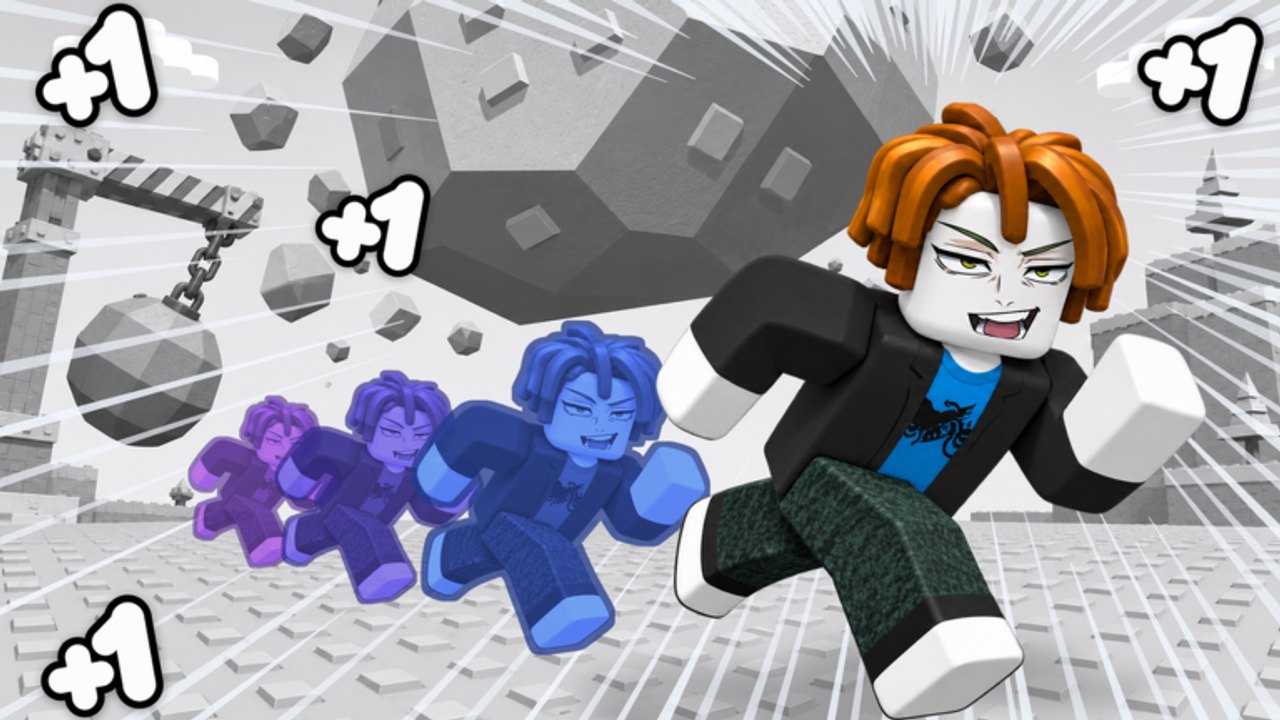
Why controls matter in Anime Speed
+1 Anime Speed is not only a treadmill clicker. The signature mechanic is stopping time so you can walk a path and plan hits on frozen enemies. If TRACE feels awkward, longer runs and the Thistle Keep fight will feel unfair even when your Speed number looks fine. This guide covers the inputs and the habits that make them reliable.
If you have not claimed freebies yet, pause and open Codes, then return.
Core actions
| Action | Typical input | Purpose |
|---|---|---|
| Move | WASD / thumbstick / touch | Walk routes while time is frozen or live |
| Stop time | Q or TRACE control | Freeze enemies and plan the path |
| Attack / hit | Context action during/after freeze | Land planned strikes when time resumes |
| Open Shop | Left-side Shop button | Codes, purchases, related panels |
| Redeem codes | Shop → CODES → ENTER CODE → REDEEM | Claim Welcome and future promos |
Mobile players should look for on-screen TRACE / Shop buttons that mirror these PC labels. Exact icons can shift after patches; check Updates if a button moved.
How TRACE / Q should feel
- Start a run with enough Speed to reach a pack of enemies.
- Press Q or the TRACE control to freeze the moment.
- While frozen, walk the route you want — not a random scribble.
- Line yourself up so hits will connect when time resumes.
- Release, watch the chain land, then recover into the next train or run.
Good TRACE play is route design. Bad TRACE play is panic freezing with no exit.
Drill routine (10 minutes)
Repeat this after any long break:
- Freeze near one weak enemy and walk a straight approach.
- Freeze near two enemies and walk a banana path that tags both.
- Freeze, reposition to safety, and cancel a bad angle on purpose so you learn recovery.
- Freeze during a slightly longer run to practice deciding when not to waste the tool.
Five clean drills beat twenty messy ones. Pair this with Treadmill Training so Speed and skill rise together.
Shop and codes UI
The redeem path used across code trackers is consistent:
- Click Shop on the left.
- Open CODES.
- Enter the code exactly.
- Press REDEEM.
Case sensitivity matters. Full code context is on the Codes Hub.
Movement tips while Speed climbs
Higher Speed makes overshooting corners common. When you TRACE at high Speed:
- Aim freeze timing before a turn, not mid-panic after you already missed.
- Prefer shorter planned paths over heroic zigzags.
- Leave an exit lane so you do not freeze yourself into a wall.
These habits transfer directly into Thistle Keep prep.
Common control mistakes
- Never practicing TRACE until the boss UI appears
- Holding movement keys with no plan during a freeze
- Opening Shop mid-run and losing rhythm
- Redeeming codes with trailing spaces
- Assuming mobile has no TRACE equivalent
How controls connect to rebirth and boss fights
Rebirth doubles Speed, which amplifies both your strength and your control mistakes. Read Rebirth so you know when the number spike arrives, then revisit this page for a TRACE warm-up after each rebirth. Boss attempts without control confidence waste the Speed you earned on treadmills.
Practice order for new players
- Getting Started freebies
- This controls page + five drills
- Focused treadmill block
- Light combat using TRACE on trash enemies
- First planned rebirth
- Boss checklist on Tools
Accessibility and device notes
Roblox supports multiple input devices. If Q is unbound or conflicting with another experience keybind, use the on-screen TRACE affordance or remapping options available in your Roblox client. The important part is the freeze-plan-release loop, not which finger triggers it.
Mastering controls early is an S-tier habit on the Tier List. Everything else in Anime Speed spends the Speed that treadmills create; TRACE decides whether that Speed becomes damage and safe positioning instead of chaotic collisions.
Frequently Asked Questions
Quick answers to the most common questions.
What does TRACE do in +1 Anime Speed?
TRACE (or Q) stops time so you can walk out a path and plan hits on frozen enemies before the run continues.
Where is the codes button?
Open Shop on the left side, then choose CODES. Enter the code and press REDEEM.
Can I play TRACE on mobile?
Yes. Use the on-screen TRACE control if you do not have a Q key. The freeze-plan-release loop is the same.
Why do I whiff after freezing?
You likely released without lining up a clear path. Drill short two-enemy routes before long combat sequences.
Should I learn controls before rebirth?
Yes. Doubling Speed makes messy movement harder. Warm up TRACE after every rebirth.